

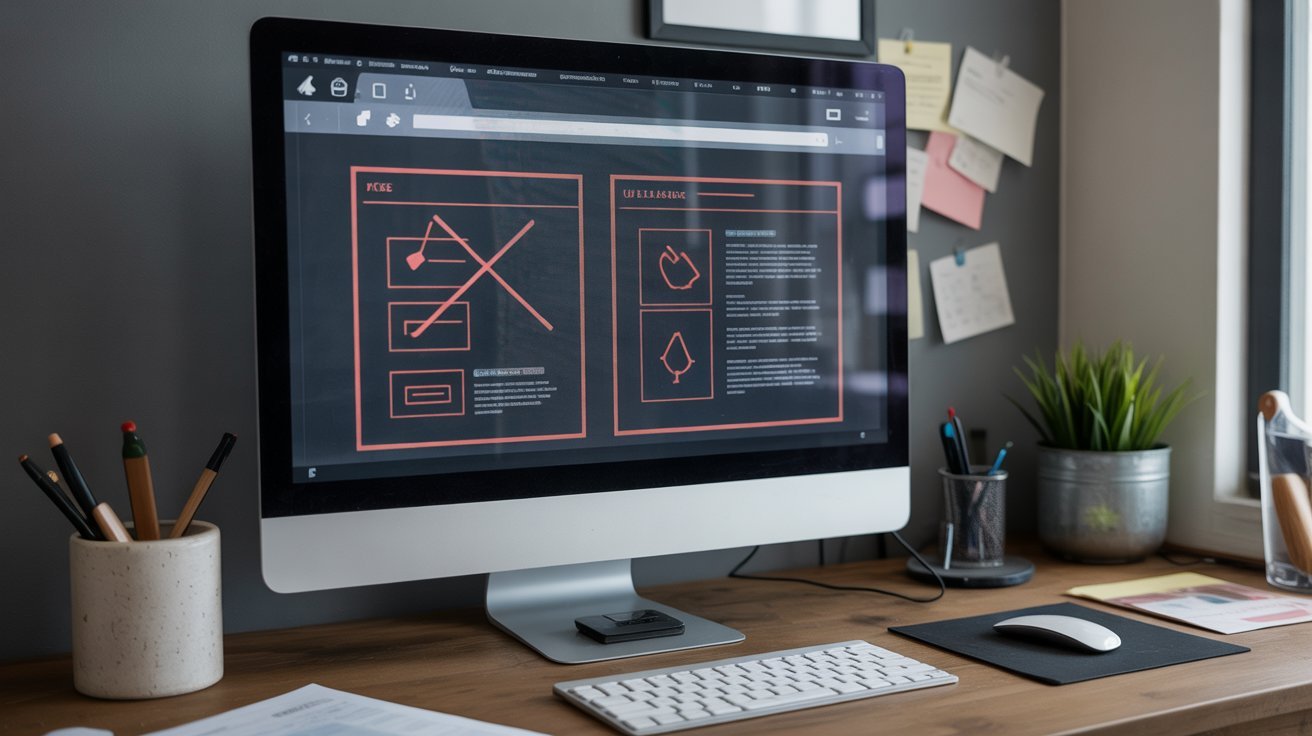
5 Website Design Mistakes That Are Killing Your Sales
Your website traffic looks promising, but your sales remain frustratingly low. Sound familiar? The harsh reality is that 94% of website rejections happen before visitors even read your content, and most conversion failures stem from preventable design mistakes that quietly sabotage your sales funnel.
Research reveals that small design flaws can bleed out roughly $1.58 million per year in lost revenue for businesses with moderate traffic.
The difference between a website that converts and one that doesn't often comes down to five critical design elements that most businesses get wrong. Fix these mistakes, and you could see your conversion rates multiply overnight.
The 5 Critical Design Flaws
Mistake #1: Cluttered, Overwhelming Design That Confuses Visitors
The Problem: A cluttered interface overwhelms visitors and drives them away before they can engage with your content. 38% of users abandon websites that feel too crowded, making visual clutter one of the most expensive design mistakes you can make. When visitors land on your website, their brains process information in milliseconds. Too many competing elements—excessive colors, fonts, pop-ups, or navigation options—create cognitive overload. Users can't quickly determine what's important, so they leave rather than struggle through the confusion.
Why This Kills Sales:
- Visitors can't find what they're looking for quickly
- Multiple competing messages dilute your value proposition
- Users feel overwhelmed and abandon the site before converting
- Your calls-to-action get lost in the visual noise
The Solution: Transform your cluttered design into a conversion-focused experience:
- Implement Strategic Whitespace: Leave sufficient space between elements to help users focus on what matters most. Whitespace isn't wasted space—it's a powerful tool that guides attention and improves comprehension.
- Adopt the "Rule of Three": Limit yourself to three primary colors and two fonts maximum. This creates visual consistency while preventing your design from feeling chaotic.
- Create Clear Visual Hierarchy: Use size, contrast, and positioning to guide users' eyes to your most important elements first. Your headline should dominate, followed by supporting text and calls-to-action.
- Simplify Navigation: Limit your main navigation to 5-7 essential items. Every additional menu option increases decision paralysis and reduces the likelihood of users taking action.
Mistake #2: Slow Loading Speed That Drives Away Impatient Customers
The Problem: Website speed is a conversion killer that most businesses underestimate. 53% of mobile users abandon sites that take longer than 3 seconds to load, and every additional second can reduce conversions by up to 7%. The impact compounds quickly: pages loading in 2.4 seconds achieve a 1.9% conversion rate, while those taking 5.7+ seconds plummet to 0.6%— a devastating 68% drop in conversions. For a business with 100,000 monthly visitors and a $75 average order value, this speed difference costs $97,500 monthly in lost sales.
Why This Kills Sales:
- Instant credibility loss: Users perceive slow sites as unprofessional and unreliable
- Reduced search visibility: Google penalizes slow sites in search rankings
- Mobile user abandonment: Mobile users are even less patient than desktop users
- Compound effect: Visitors who leave due to speed often never return
The Solution: Optimize your website for lightning-fast performance:
- Compress and Optimize Images: Use tools like TinyPNG or WebP format to reduce file sizes without sacrificing quality. Images often account for 60-70% of page weight.
- Minimize HTTP Requests: Combine CSS and JavaScript files, and reduce the number of plugins and external scripts. Each request adds loading time.
- Enable Browser Caching: Allow returning visitors to load your site faster by storing static resources locally.
- Upgrade Your Hosting: Invest in quality hosting that can handle your traffic demands. Cheap hosting is expensive when it costs you conversions.
- Use a Content Delivery Network (CDN): Distribute your content globally so users access your site from servers closer to their location.
Mistake #3: Poor Mobile Experience That Alienates 60% of Your Traffic
The Problem: Mobile devices now account for 64% of all internet traffic, yet countless websites still treat mobile as an afterthought. Non-responsive design, tiny buttons, and mobile-unfriendly layouts create friction that destroys conversions. Mobile users are notably less patient and more likely to abandon sites with poor mobile experiences. 75% of users prefer mobile-friendly websites, and Google's mobile-first indexing means poor mobile design hurts your search rankings too.
Why This Kills Sales:
- Frustrating navigation: Users can't easily tap buttons or fill out forms
- Difficult content consumption: Text is too small, images don't scale properly
- Increased bounce rates: Mobile users leave faster when experiencing friction
- Lost local sales: Many mobile searches have local intent and immediate purchase consideration
The Solution: Implement a mobile-first design strategy:
- Design for Thumbs: Make buttons at least 48x48 pixels and position them within easy thumb reach. Consider how users naturally hold their phones.
- Optimize Touch Targets: Ensure sufficient spacing between clickable elements to prevent accidental taps. Frustrated users abandon mobile sites quickly.
- Simplify Mobile Forms: Minimize form fields and use appropriate keyboard types (numeric keypad for phone numbers, email keyboard for email fields).
- Prioritize Essential Content: Mobile screens are small, so focus on your most important information first. Hide secondary elements or move them below the fold.
- Test Regularly: Use real devices to test your mobile experience, not just browser resizing tools. What looks good on desktop often breaks on actual mobile devices.
- Implement Responsive Typography: Use font sizes of at least 16px for body text to ensure readability without zooming.
Mistake #4: Weak or Missing Trust Signals That Undermine Credibility
The Problem: 75% of a website's credibility is determined by its design, and missing trust signals immediately trigger skepticism. Visitors need reassurance that you're legitimate before they'll share personal information or make purchases. Modern consumers are increasingly cautious online. Without proper trust signals, even interested visitors will abandon their purchase rather than risk dealing with an untrustworthy business. This is especially critical for new businesses or those in competitive markets.
Why This Kills Sales:
- Security concerns: Users worry about data safety and payment security
- Credibility questions: Visitors doubt your business legitimacy and expertise
- Decision paralysis: Without social proof, users can't validate their choice
- Professional appearance: Poor design suggests poor service quality
The Solution: Build comprehensive trust through strategic trust signals:
- Professional Design Elements: Invest in clean, modern design that reflects current standards. Outdated design immediately signals an outdated business.
- SSL Certificate and Security Badges: Display HTTPS clearly and include security badges, especially near forms and checkout areas. 87% of shoppers research online before purchasing, and security is a primary concern.
- Client Testimonials and Reviews: Feature specific, detailed testimonials with photos and company names when possible. Personalized testimonials perform 202% better than generic ones.
- Contact Information: Display your phone number, physical address, and business hours prominently. This transparency builds immediate credibility.
- Social Proof Elements: Include client logos, case studies with measurable results, and user-generated content. These elements provide third-party validation of your claims.
- Professional About Page: Include photos and bios of your team members to humanize your business. People buy from people they trust.
Mistake #5: Unclear or Ineffective Calls-to-Action That Fail to Guide Users
The Problem: Weak calls-to-action (CTAs) are conversion killers that leave visitors confused about what to do next. Generic phrases like "Click Here" or "Learn More" provide no compelling reason to act, while poorly positioned CTAs get overlooked entirely. Research shows that well-designed CTAs can improve conversion rates by over 200%, yet most websites use vague, uninspiring action buttons that fail to motivate users. Even worse, many sites hide their CTAs or use colors that blend into the background.
Why This Kills Sales:
- Confusion about next steps: Users don't know how to proceed
- Lack of urgency: Generic language fails to motivate immediate action
- Poor visibility: CTAs blend into the design instead of standing out
- Multiple competing CTAs: Too many options create decision paralysis
The Solution: Create compelling CTAs that drive action:
- Use Action-Oriented Language: Start with strong verbs and be specific about the outcome. Instead of "Submit," use "Get Your Free Marketing Audit" or "Download the Guide Now."
- Create Visual Prominence: Use contrasting colors that stand out from your design palette. Your CTA should be the most visually prominent element on the page.
- Strategic Placement: Position CTAs based on user intent—soft CTAs early in the page, high-intent CTAs after you've built value. Don't bury important CTAs at the bottom of long pages.
- Add Urgency and Value: Include time-sensitive language and clear benefits. "Start Your Free 30-Day Trial" is more compelling than "Try Now."
- Limit Options: Use one primary CTA per page to avoid decision paralysis. Multiple competing CTAs reduce overall conversion rates.
- Test and Optimize: A/B test different CTA text, colors, and placements to find what resonates with your audience. Small changes can yield significant improvements.
The Path to Higher Conversions
Remember: Your website is often the first and most important interaction potential customers have with your business. Every design decision either builds confidence and guides users toward conversion, or creates friction that drives them to your competitors. The businesses winning online in 2024 are those that eliminate conversion barriers and make it effortless for visitors to become customers. By systematically addressing these five critical design mistakes, you'll not only recover lost sales but establish a significant competitive advantage in your market.